

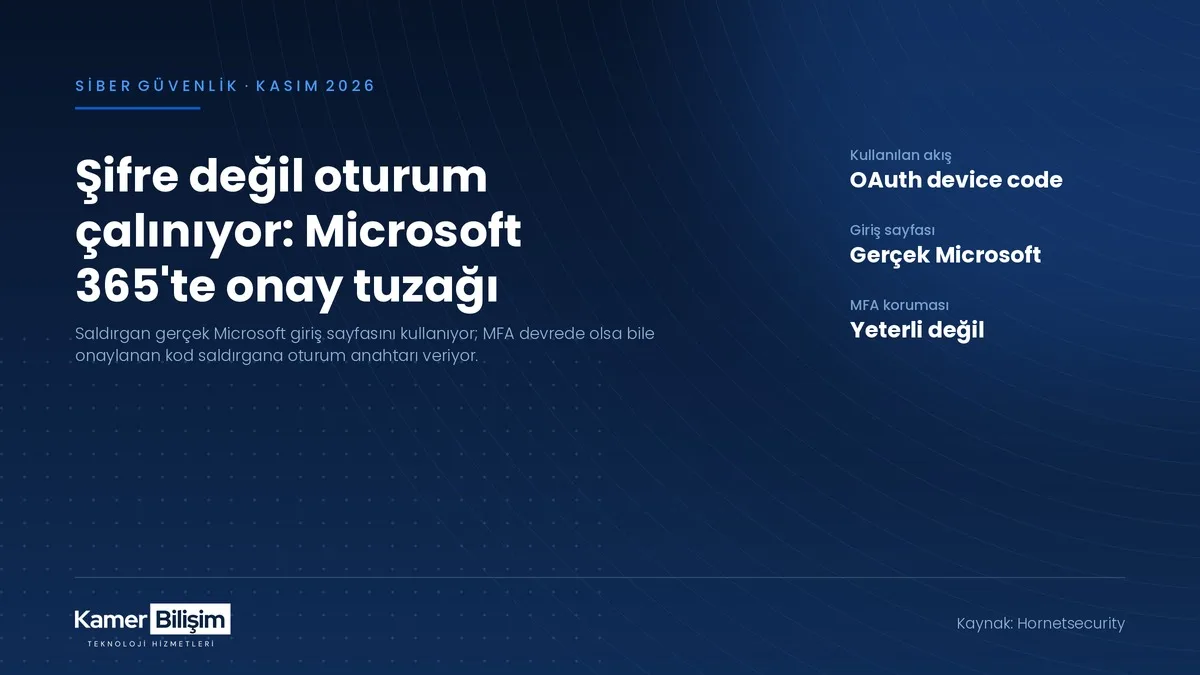
Instead of building a fake login page, attackers send victims to Microsoft's genuine sign-in screen. Once the code is approved, the session token is theirs even with MFA enabled.
A phishing wave aimed at organisations running Microsoft 365 has dropped the fake login page altogether. According to a 19 November 2026 analysis by security vendor Hornetsecurity, attackers now steer victims to Microsoft's genuine sign-in page and walk away with a session token without ever seeing the password.
How the attack works
The technique is called device code phishing. The OAuth 2.0 device authorisation flow it abuses is a legitimate feature, built so that devices without a keyboard, such as a meeting room display or a smart TV, can sign in. The device shows a short code, the user types that code into Microsoft's sign-in page on a phone or laptop, and approves the request.
The attacker simply starts that flow for a client they control. The email reaching the victim looks like a payment notice or a shared SharePoint document and supplies a code for "secure verification". The victim enters it on the real page at login.microsoftonline.com, completes their own multi-factor prompt and approves. Microsoft then hands the access and refresh tokens to the attacker's application.
Why it is dangerous
Every warning sign staff have been trained to look for is missing here. There is no lookalike domain, no certificate error, and no password typed into a counterfeit form. Because the Microsoft screen is authentic, the employee believes they did the right thing.
Multi-factor authentication alone does not close the gap either. The victim completes the MFA step themselves, so the attacker receives the token of an already verified session. The refresh token keeps working from a different location until it is explicitly revoked, which means a password reset on its own does not evict the intruder. BleepingComputer reported on 5 November 2026 that ready-made phishing platforms now automate this flow, and that stolen tokens can reach services connected through single sign-on as well as Microsoft 365 itself. The FBI has issued a public warning on the same technique.
What this means for Turkish SMEs
Microsoft 365 is the shared working surface for a very wide range of small and mid-sized companies in Turkey, from construction offices and shipping agencies to logistics operators and manufacturing plants. In those businesses a mailbox is not just correspondence: it is the archive of quotations, contracts, invoices and customer records.
A compromised mailbox is usually the starting point rather than the goal. An attacker who can read the thread can insert themselves into it and send a convincing fraudulent payment instruction. Unauthorised access to a mailbox holding personal data also triggers the data security obligations and breach notification process under Turkey's KVKK regime.
What we recommend at Kamer Bilişim
- Turn the device code flow off. Block it with a Conditional Access policy in Microsoft Entra ID. Hornetsecurity advises inventorying the devices that genuinely rely on the flow before applying a broad block, so identify exceptions such as meeting room displays first.
- Write a session revocation procedure. After a suspicious approval, resetting the password is not enough. Revoke all sessions and refresh tokens for the account, then audit its OAuth application grants and mailbox forwarding rules.
- Teach the team one sentence. "If you did not start it, do not approve it." Monitor sign-in logs for device code authorisations on a regular basis; an unexpected entry is the first warning you will get.
If you would like your Microsoft 365 configuration reviewed against these points, your Conditional Access policies set up, or your existing policies audited, you can reach us through our contact page. We provide on-site support across the Anatolian side of Istanbul and remote support elsewhere.
Source: Hornetsecurity (19 November 2026), BleepingComputer (5 November 2026)
Source: Hornetsecurity